
All your training in one place, and most of it runs automatically
Activate LMS is a Danish LMS for e-learning and classroom courses. Users are created, courses are assigned by organisation and job role, and reminders go out automatically. Support is included in the price.
- Support included
- Data in the EU
- SCORM 1.2 and 2004
Used by companies and training providers in Denmark and the Nordics



Less time on administration
Your time should go into the learning. The LMS keeps track of who is missing what. Enrolments, reminders and reports run automatically once they are set up. The setup holds when employees join, change jobs and leave.
- E-learning and classroom courses. SCORM from Storyline, Rise and Captivate, and classroom courses with date, venue, seats and attendance.
- Automatic enrolment. New employees get the right courses from their first day, based on organisation and job role.
- Reminders. Rules send confirmations and reminders. If a course is not completed, the manager is notified.
- Diplomas and certificates. The diploma is sent when the course is completed. Certificates that must be renewed start over before they expire.
- Reports. Completion, time and score by organisation, course and user. Managers only see their own people.
- Many languages. The menus are available in 26 languages, and one course can have a version for each language.
- AI assistant. Our AI assistant helps you translate texts, explain enrolments and set up the LMS. It stays off until you turn it on.
- Users and login. Single sign-on with your work account. Users are updated automatically when the LMS is connected to Entra ID or your HR system.
The boring parts you still need answers to
Hosting, standards and login are rarely the most exciting things to read about. Here are the answers in one place.
- A Danish LMS. Learners use it on phones, tablets and computers.
- SCORM 1.2 and 2004. Your own courses from Storyline, Rise and Captivate, and off-the-shelf courses from external suppliers.
- Data in the EU. Activate LMS runs in Microsoft Azure in the Netherlands, and we are the data processor for your information.
- Single sign-on and synchronisation with Microsoft Entra ID are included in the licence, and you set them up yourselves. ADFS, on-premises Active Directory and other systems by agreement.
- Superuser support is included in the price. Asking costs nothing extra.
Classroom courses in the same system as your e-learning
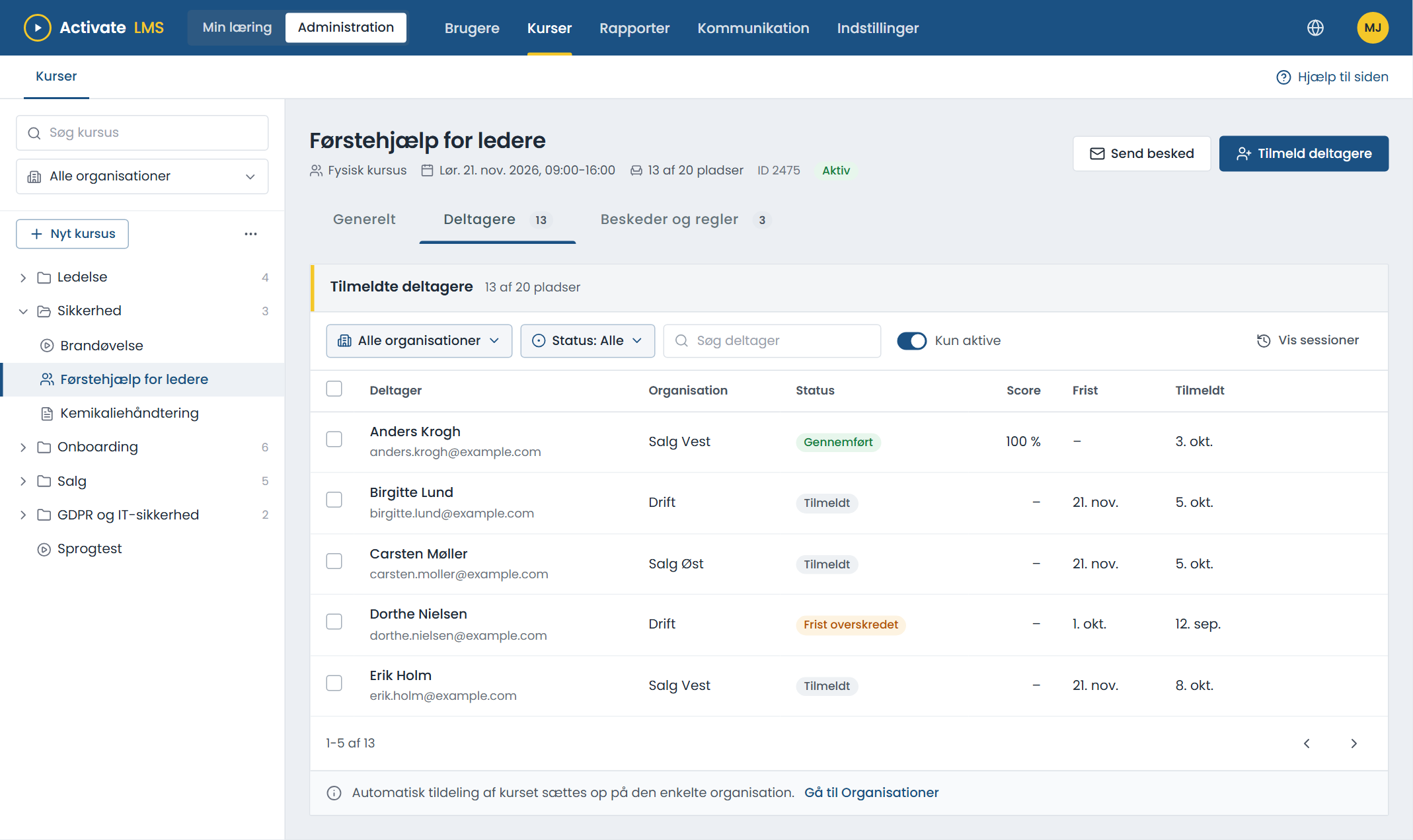
Plan classroom courses in the same place as your e-learning. Participants find both on their own page.
- Date, time and venue for every course.
- Seats and sign-up. Via a link, a QR code or by the manager.
- A course page with programme, practical information and directions.
- A reminder before the course and a message if it is moved or cancelled.
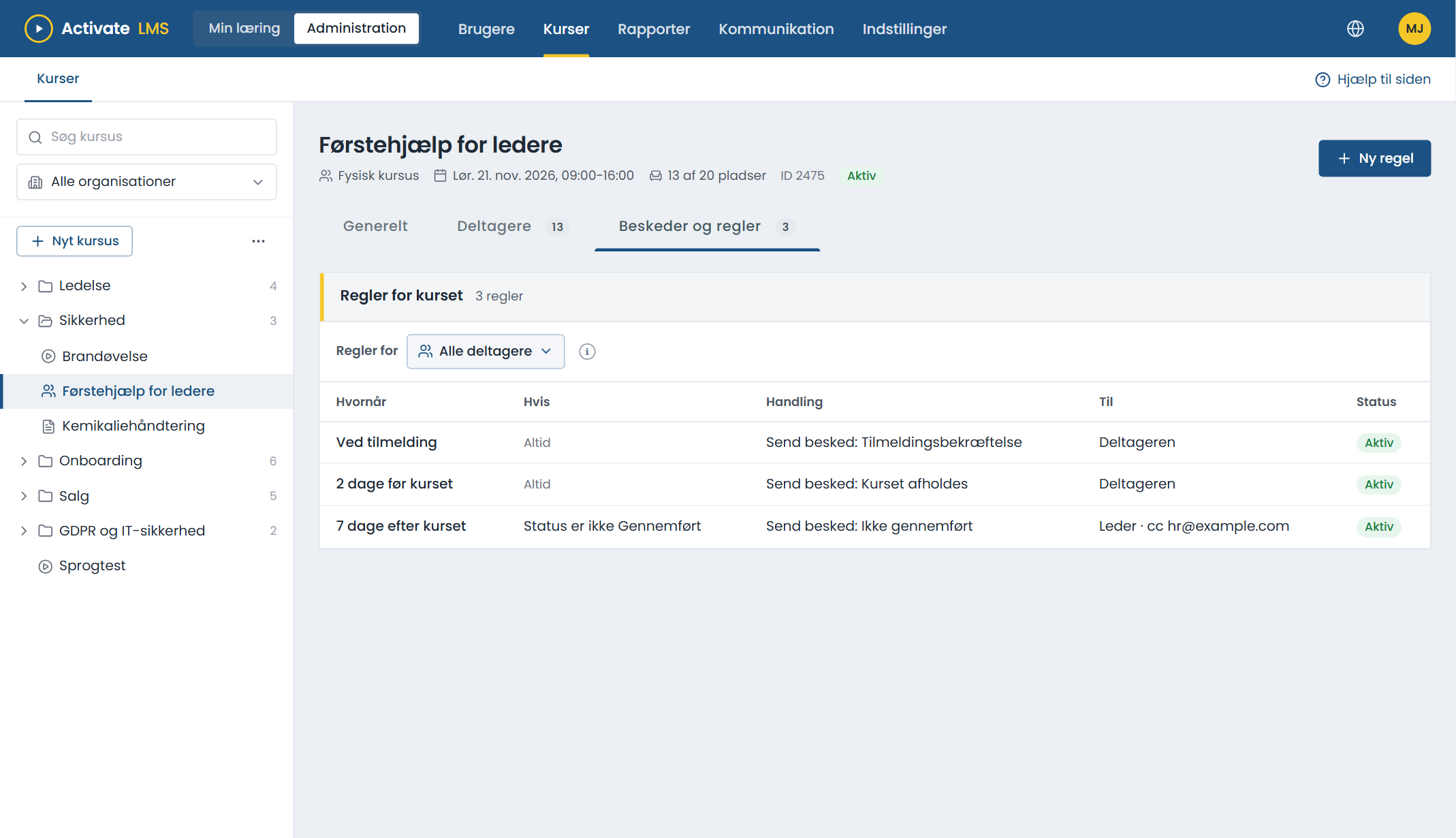
- Attendance is recorded, and the course counts in the reports.
Messages and reminders
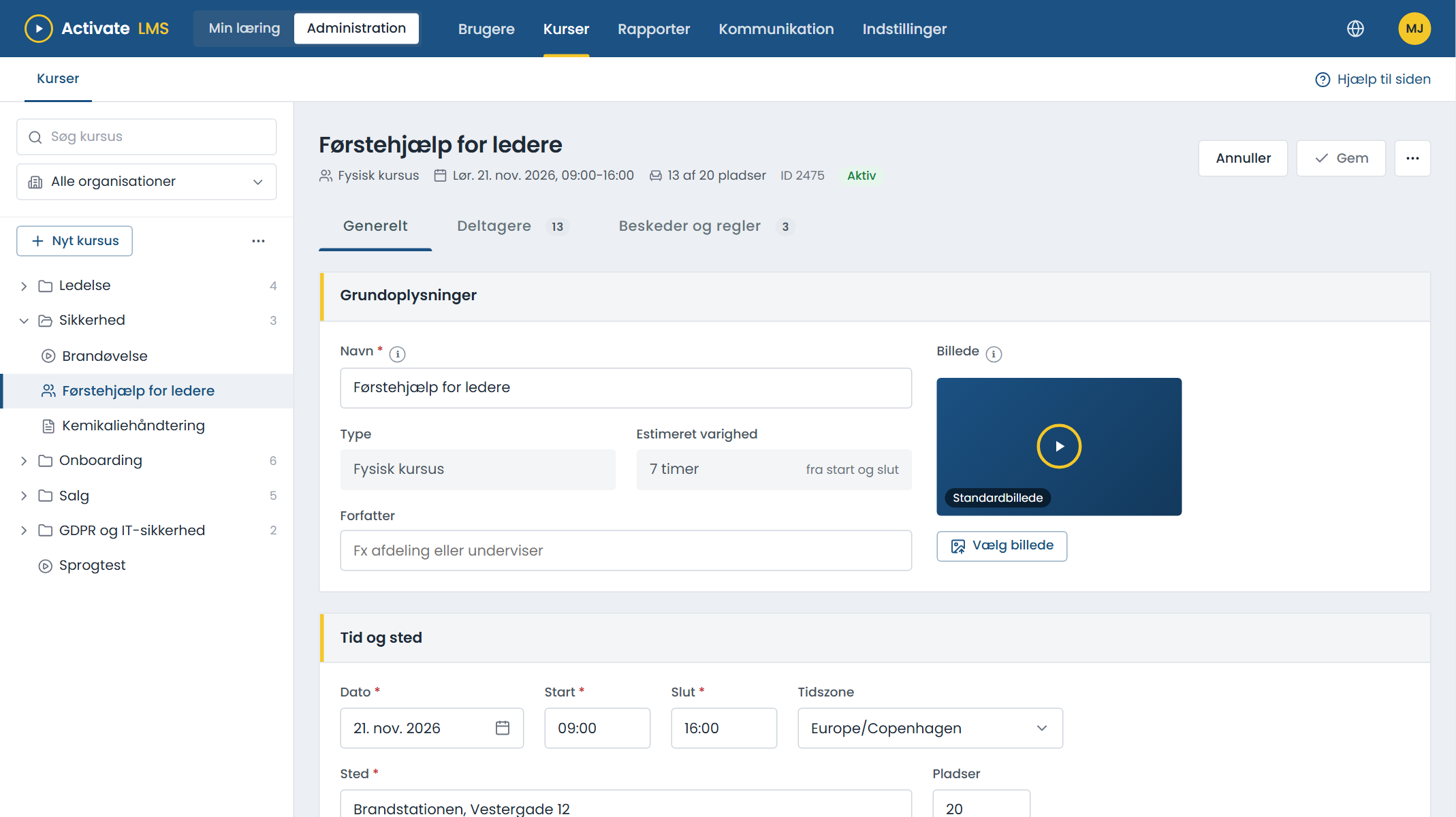
A rule says when, what and to whom. A confirmation on sign-up, a reminder before the course and a message to the manager if an employee does not make it.
- Standard rules from the start on new courses. You only change what you want to be different.
- Write your own message to the participants, an organisation or selected users.
- In the recipient's language. Write the message in several languages, and each recipient gets their own version.
- Merge fields with name, course, date and link.
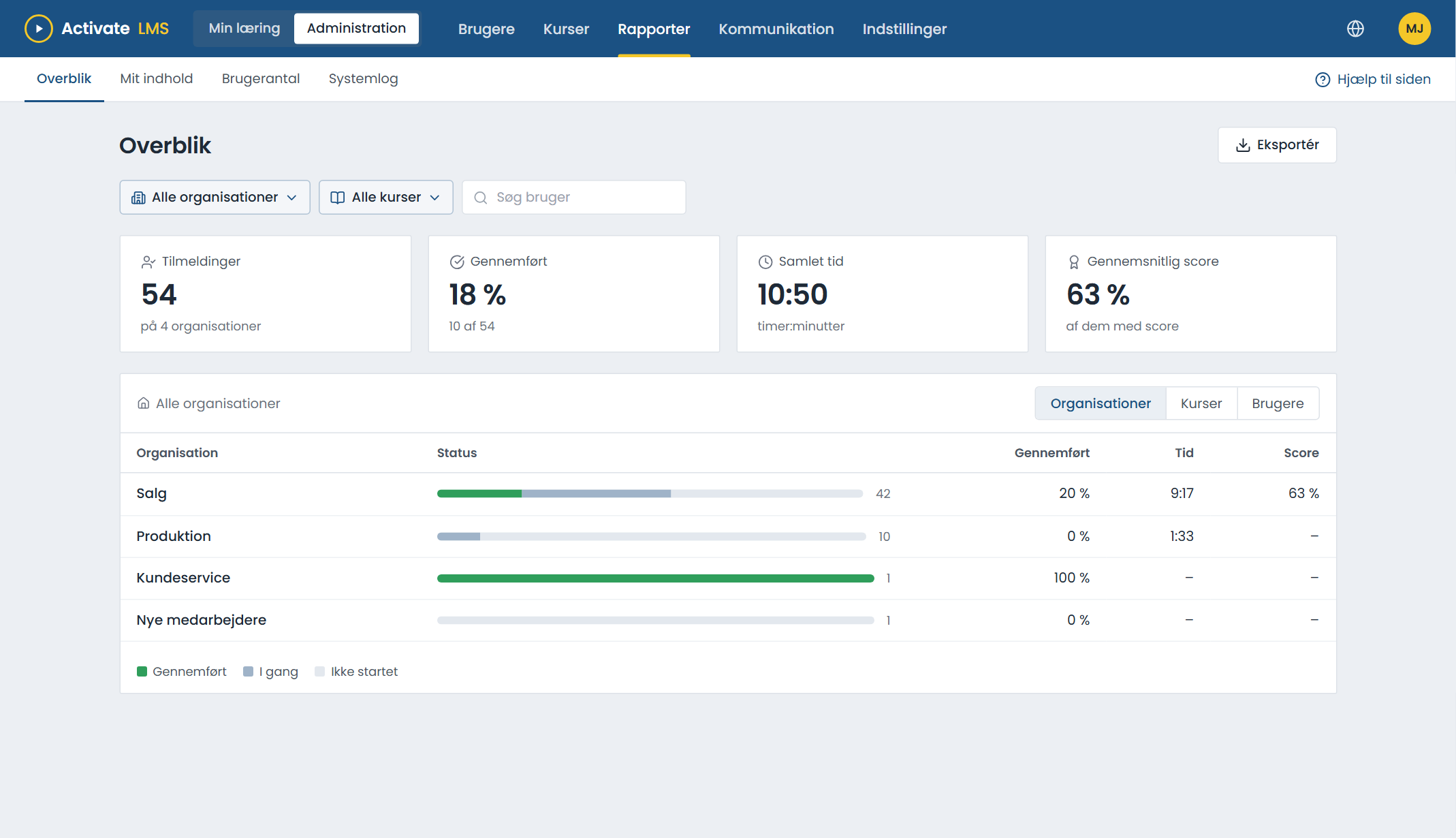
Who has finished, and who is missing?
See completion, time and score. Go from the whole company down to a single employee in two clicks, and export the list when you need it.
- Managers only see their own organisations and employees.
- My content: the owner of a course can follow it without being an administrator.
- System log of sent emails and automatic enrolments.
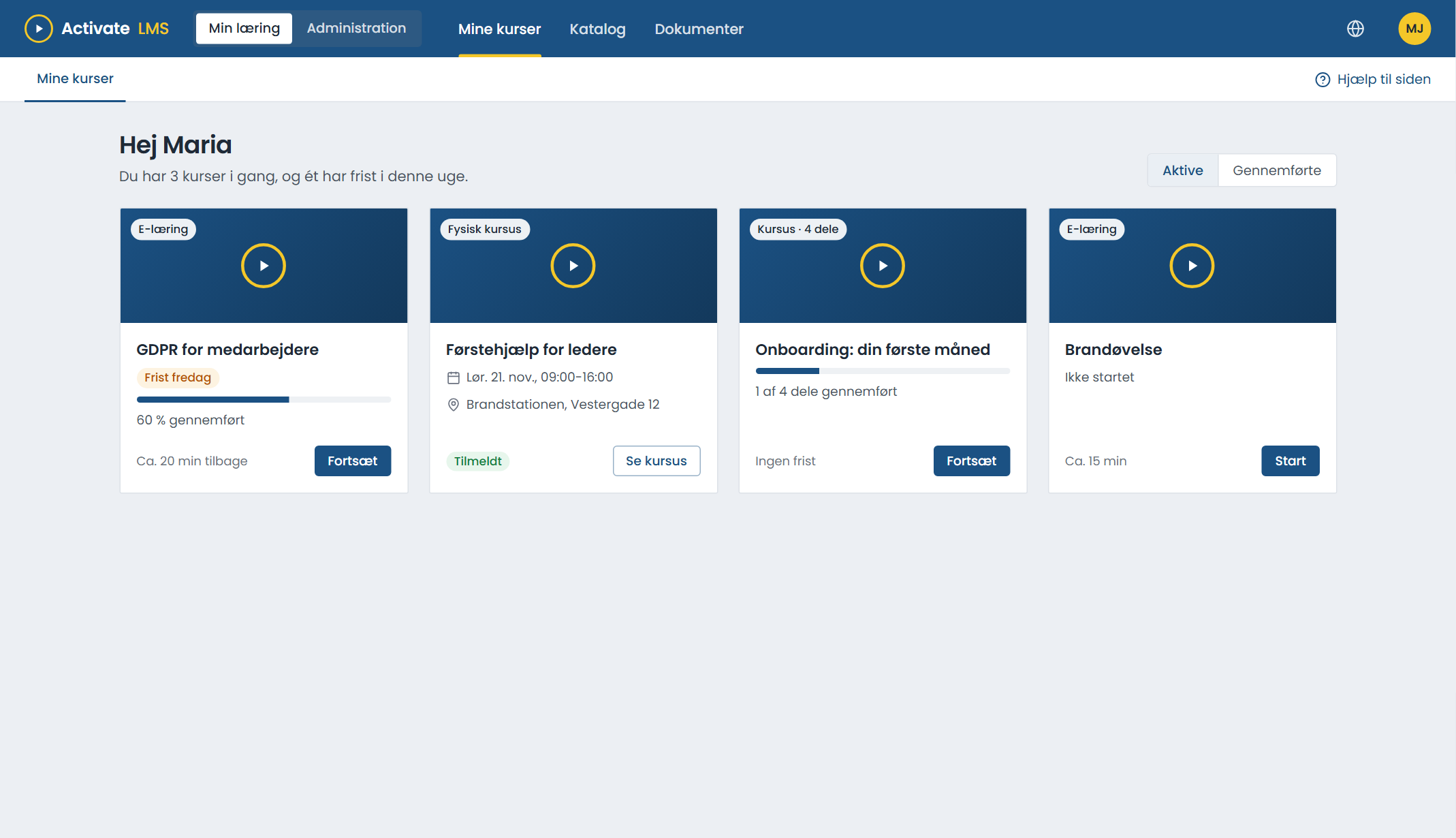
All courses on one page
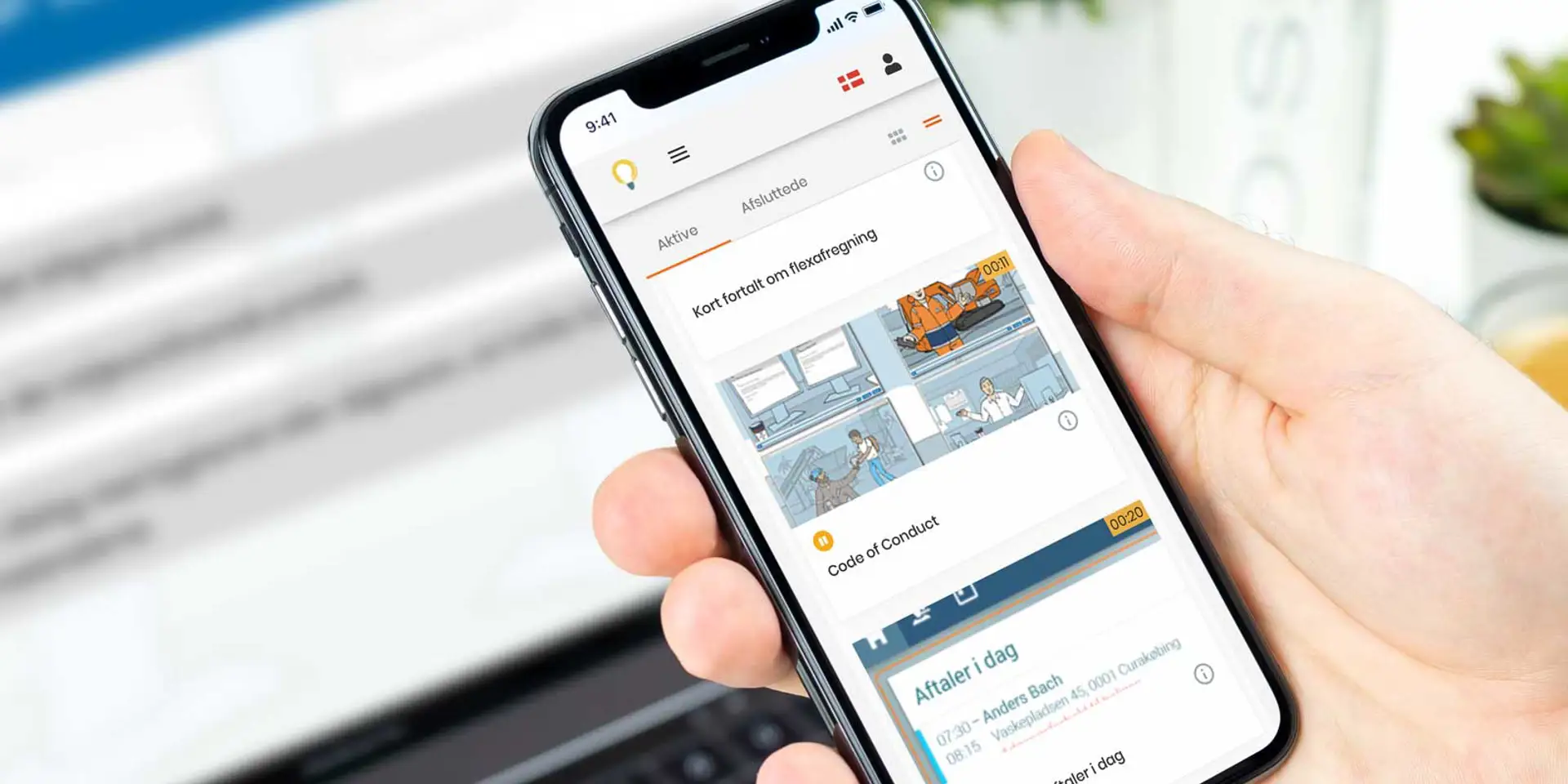
E-learning, classroom courses and deadlines on one page. It works on phones, tablets and computers, and learners pick up where they left off.
- SCORM 1.2 and 2004. Your own courses from Articulate Storyline, Rise and Adobe Captivate, and off-the-shelf courses from external suppliers.
- One course in several languages. Upload a version for each language to the same course.
- A catalogue where employees can sign up for optional courses themselves.
- Diplomas are sent when the course is completed.
Users are created automatically
When an employee starts, changes department or leaves, the LMS follows. Connect your own user directory or HR system, so nobody has to maintain users by hand.
Our AI assistant helps you
The assistant is called Avi and knows Activate LMS and your setup. It translates course texts and emails, explains why an employee has been given a course, and helps create courses, users and organisations. Avi suggests, and you approve.
- Runs at Mistral in the EU. Your data is not used for training.
- Only sees what the user has access to.
- Off until an administrator turns it on.
With your logo, your colours and your domain
Choose the colour of the top bar, upload your logo, login image and email graphics, and put the LMS on your own address.
- The text colour is chosen automatically, so the top bar is always readable.
- Several companies in one LMS, each with its own organisations and managers.
Onboarding
New employees get a programme that starts automatically on their first working day. Read more
Compliance
Document who has completed, and renew certificates before they expire. Read more
Corporate groups
One LMS for all companies. Each manager only sees their own. Read more
Training providers
Deliver your courses to clients, also as packages that run in the client's own LMS. Read more
Easy to work with
We chose Activate LMS because it is simple and straightforward to use. We get the help we need.
Throughout the whole process we have experienced an exceptionally high level of service, with us and our business at the centre. The collaboration and sparring have shown a real understanding of didactics.
Quotes translated from Danish.
Support is included in the price
Superuser support by email and phone comes with every agreement. Asking costs nothing extra.
Activate LMS
- E-learning and classroom courses
- Automation, reminders and reports
- Single sign-on and synchronisation with Microsoft Entra ID
- Support included
LMS Full Service
- Setup and upload of courses
- Emails, campaigns and reports
- One permanent contact
All prices exclude VAT.
What we are often asked
If you cannot find the answer, write to us or search the Help Center.
Go to the Help CenterCan Activate LMS handle classroom courses?
Yes. With course administration you create classroom courses with date, venue and seats. Participants sign up, receive reminders, and attendance is recorded so it counts in the reports.
Can we try it for free?
Yes. Create a trial organisation in a few minutes, with demo courses ready to try. You can also book a 30-minute demo where we show you the system.
Do courses from Storyline, Rise and Captivate work?
Yes. Export the course as SCORM 1.2 or SCORM 2004 and upload it. Off-the-shelf courses from external suppliers work the same way.
Where is our data stored?
In Microsoft Azure in a data centre in the Netherlands, so within the EU. The AI assistant also runs in the EU.
Can employees log in with their work account?
Yes. We support single sign-on and login with Microsoft or Google. With Microsoft Entra ID, users are created and updated automatically.
Can we have our own logo and domain?
Yes. You choose colours, logo, login image and email graphics, and the LMS can run on your own address.
What can Activate LMS not do?
Activate LMS is built for companies that need to get training out to employees and document it afterwards. Schools with timetables, classes and grades are better served by a school system, and teaching over Teams or Zoom takes place in Teams or Zoom.
Is there gamification?
No. Points and leaderboards do not make a course better. If games belong in the learning, they belong in the e-learning itself, and we are happy to help with that. The LMS just has to be easy to find your way around.
Which languages are supported?
The menus are available in 26 languages, including Danish, English, German, Swedish, Norwegian, Polish, Icelandic and Greenlandic, and each course can have a version for each language. Each user sees courses and emails in their own language.
Try Activate LMS
Try it free straight away, or book a 30-minute demo where we show how it fits your organisation.
Call +45 25 94 81 66Write to hello@activatelms.com