
Users are created automatically
When an employee starts, changes department or leaves, the LMS follows. Employees log in with the account they already have.
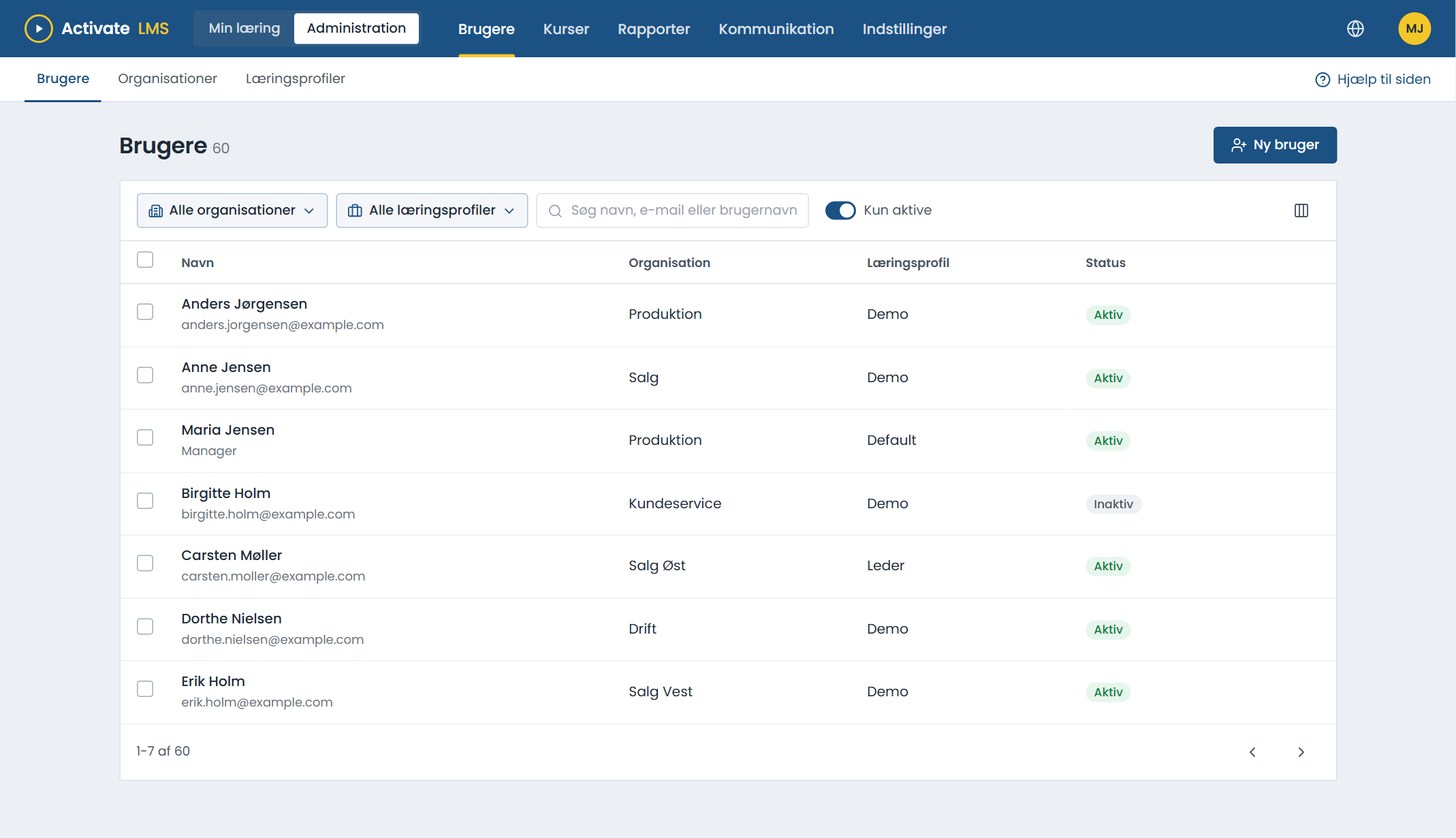
Choose the one that fits, or combine them
Automatically from the user directory
Microsoft Entra ID or Active Directory creates, updates and deactivates users automatically.
From the HR system
Employees are fetched from the HR system and matched on their employee number, also if their email address changes.
Import from a spreadsheet
Useful when there are many at once, for example at launch.
Self-registration
With a code, a link or a QR code. Good for external users, for example suppliers, temps and customers.
Log in with your work account
Employees log in with their work account. External users can use their Microsoft or Google account.
- Single sign-on with Microsoft Entra ID and ADFS.
- Log in with Microsoft or Google without a new password.
- Standard login with username and password, when that is the simplest.
Administrators, managers and course owners
Administrators
Set up the LMS and see everything.
Managers
See and help their own employees, and are notified when something is missing.
Course owners
Edit and follow their own courses. The instructor on a classroom course is the course owner.
About users and login
What happens when an employee leaves?
The user is deactivated automatically when users come from Entra ID or Active Directory. The history stays in the reports.
How long does it take to set up single sign-on?
With Microsoft Entra ID you set it up yourselves with our guide, and it is included in the licence. ADFS, on-premises Active Directory and other solutions are set up by us by agreement.
Can we have both internal and external users?
Yes. Internal users can come from the user directory, and external users can register themselves with a link or a code, each in their own organisation.
Automatic user creation
Tell us where your users are today, and we will show you how they can come in automatically.